The Art of Semantic HTML: Accessibility Without Third-Party Widgets
How semantic HTML5 tags deliver built-in keyboard navigation, screen reader accessibility, and pristine SEO.
Modern web interfaces frequently replace native buttons with <div onclick="...">, necessitating dozens of ARIA tags, tabindex overrides, and custom keyboard event listeners to regain basic accessibility.
Native Elements Do the Heavy Lifting
Native HTML5 elements provide keyboard focus, accessibility tree mappings, and screen reader announcements automatically:
<main>,<nav>,<article>,<header>, and<footer>establish clear landmarks.<time datetime="...">allows assistive technology to parse publication timestamps.- Native
<button>tags handleSpaceandEnteractivation without script configuration.
Building with semantic HTML ensures that your blog is fully usable across speech synthesizers, braille displays, and search engine crawlers.
Architecture & System Visual
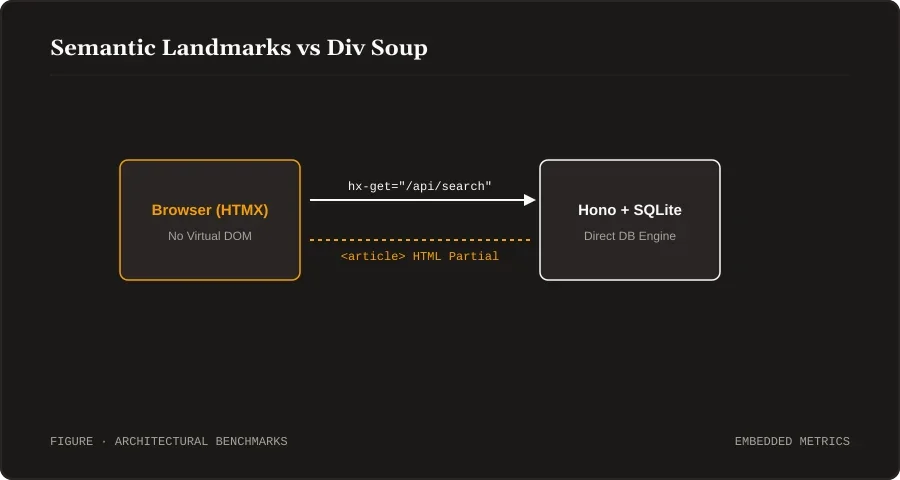
Figure 1: Semantic Landmarks vs Div Soup. Rendered and served directly from local WebP storage.
Discussion
0Leave a Comment
No comments yet.
Be the first to share your thoughts on this article!